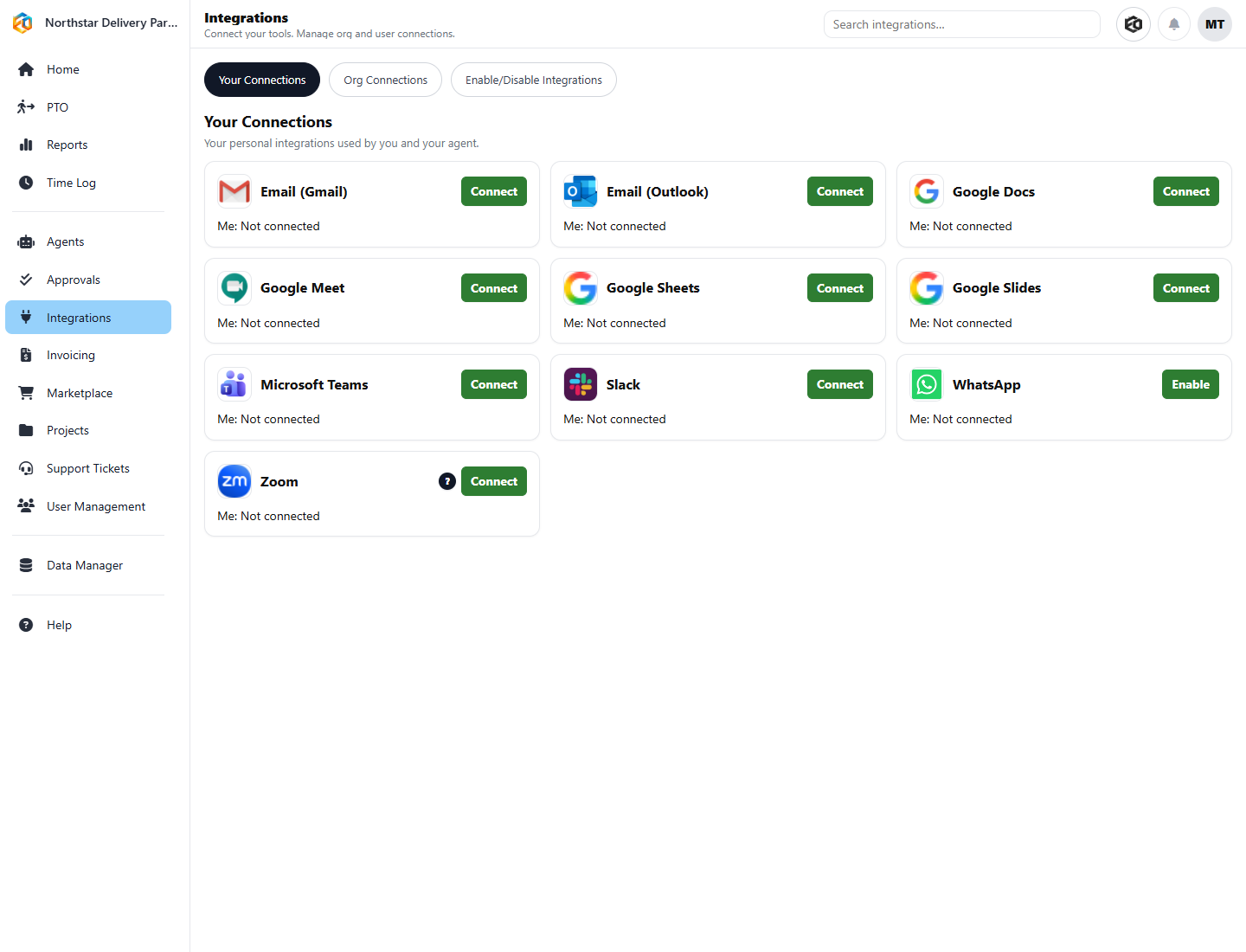
Access stays deliberatePeople and organizations connect the tools their Agents are allowed to use.
Eos integrations reduce the handoffs that slow teams down. Messages, meetings, customer records, invoices, documents, and project data can stay connected to the work they support.
People can work from familiar channels while Eos keeps the operational context in one place.
Updates, reminders, approvals, and agent actions can reach the right system without manual copying.
Teams get value faster when automation meets them inside the tools they already use every day.
Gmail, Outlook, Slack, Microsoft Teams, Google Chat, SMS, and WhatsApp help teams send updates, receive context, and keep conversations tied to work.
Google Calendar, Meet, Microsoft calendar flows, and Zoom help meetings turn into scheduled work, reminders, and next steps.
Google Docs, Sheets, and Slides support reports, working files, summaries, and structured outputs created from Eos conversations or agents.
QuickBooks Online and Xero help commercial work move from operational context toward invoices, payments, and finance follow-through.
Salesforce and PK4 Projects & Time help Eos work with project, task, time, customer, and delivery records where those systems are already the source of truth.
Jira, directory integrations, and related connectors help teams coordinate service, user access, and delivery workflows across systems.
The goal is not to collect logos. It is to remove friction from the workflows your team already runs. As customers bring new operating patterns to Eos, the integration surface continues to expand.