Turn approved billable work into an invoice draft
The Invoice Preparation Agent finds unbilled time and expenses, applies billing terms and rates, exposes missing information, and prepares a draft with the source records still attached.
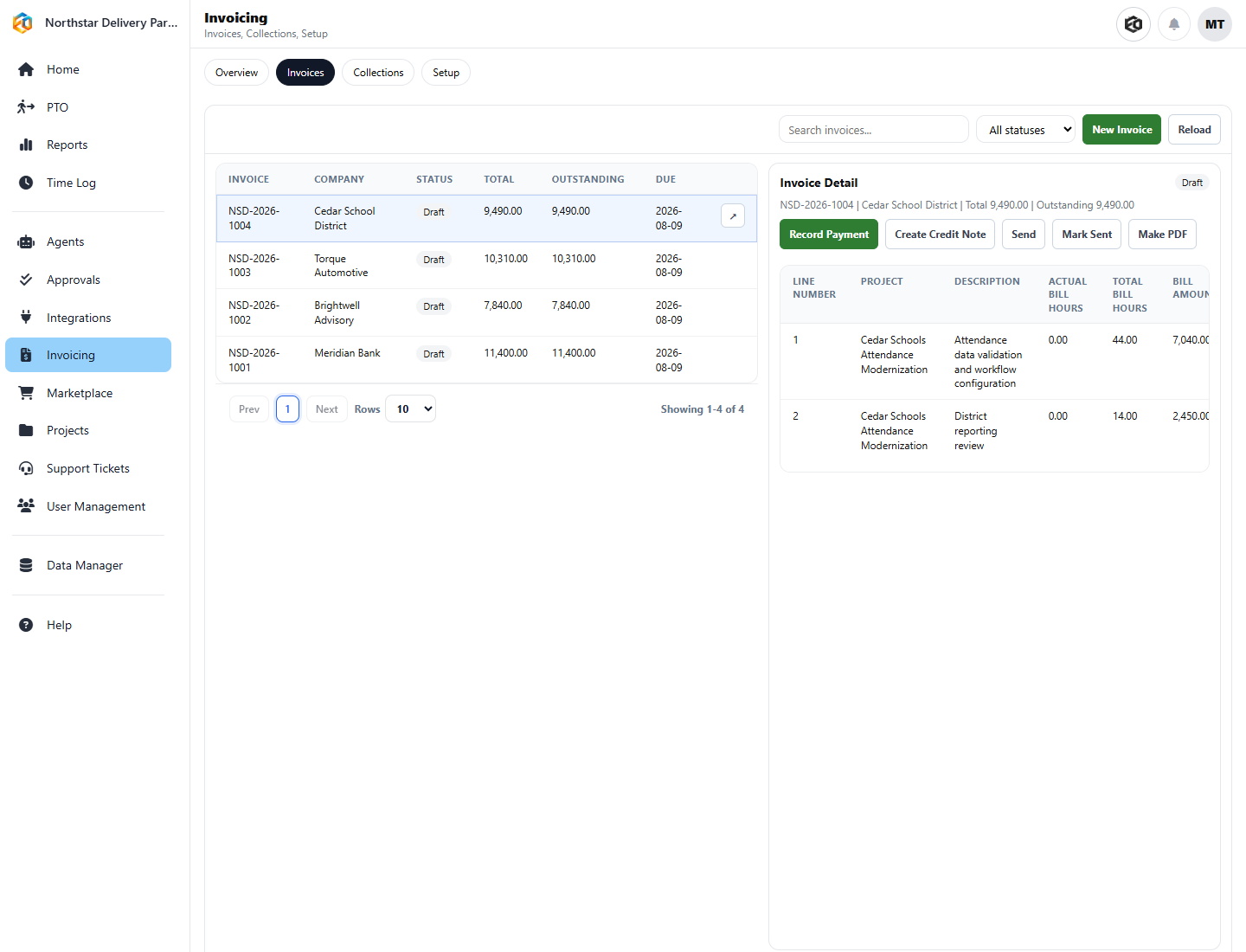
Do the preparation before finance opens the queue
The Agent can review billing candidates, include or exclude lines, identify disputes and holds, check invoice readiness, apply numbering and templates, and route the draft for approval. Once approved, Eos can create or update the invoice in QuickBooks Online or Xero.
Finance keeps the decision
The Agent prepares and explains. Your policy determines whether posting or sending requires approval, and the run record shows which source items were used.
Find
Locate billable work that has not reached an invoice.
Prepare
Apply customer, project, rate-card, billing-term, and exception rules.
Hand off
Route the draft for review, then send it to the connected finance system.
Use a recent billing period in the demo
We’ll show where the Agent finds candidate revenue and how exceptions reach finance.