Built for project-driven services organizations

Automation that doesn’t go rogue

Build business workflows in plain English and run them the same way every time. Eos gives operations leaders the speed of AI-powered automation without the unpredictability that makes most agent tools hard to trust.

Design in English
Deterministic execution
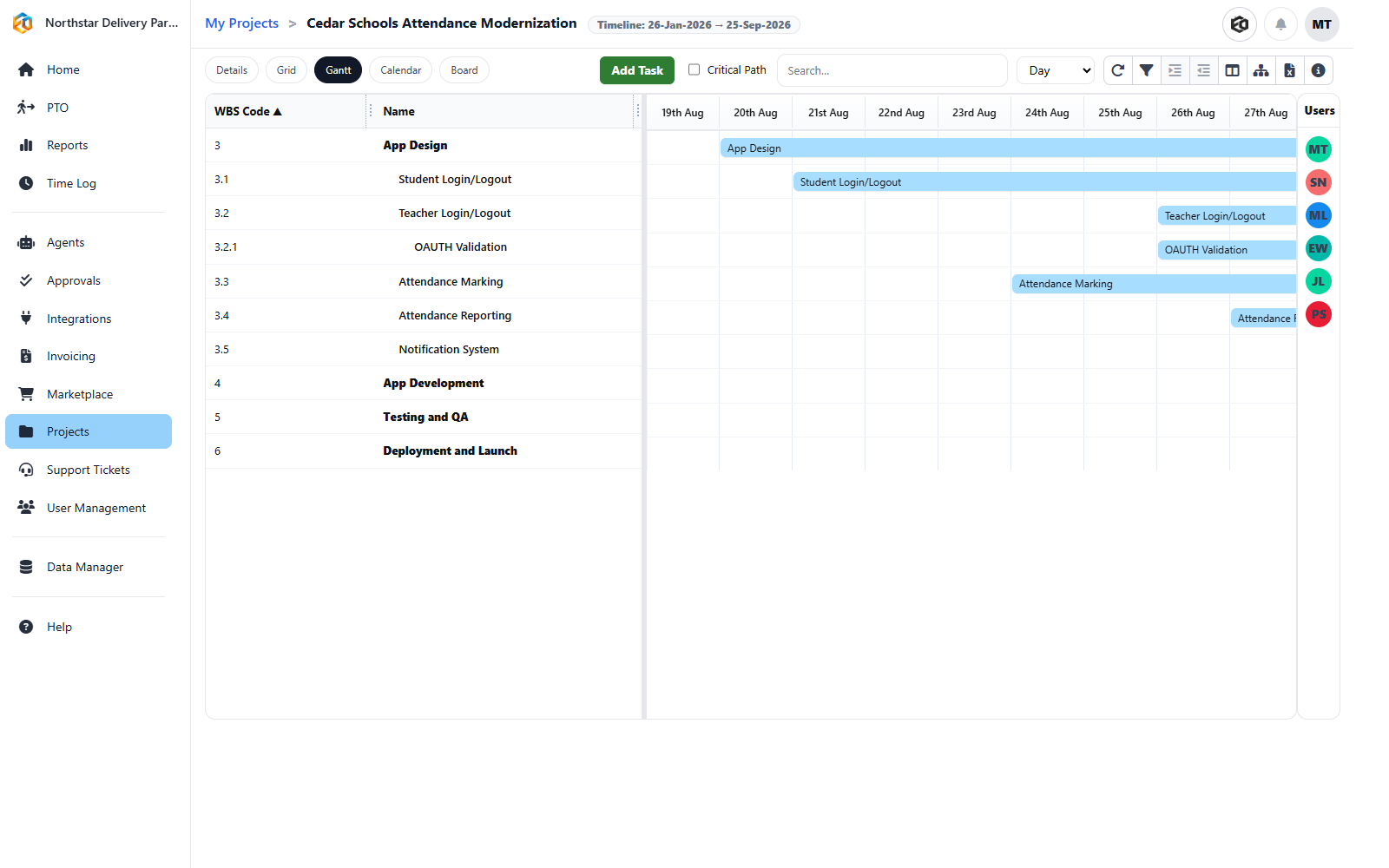
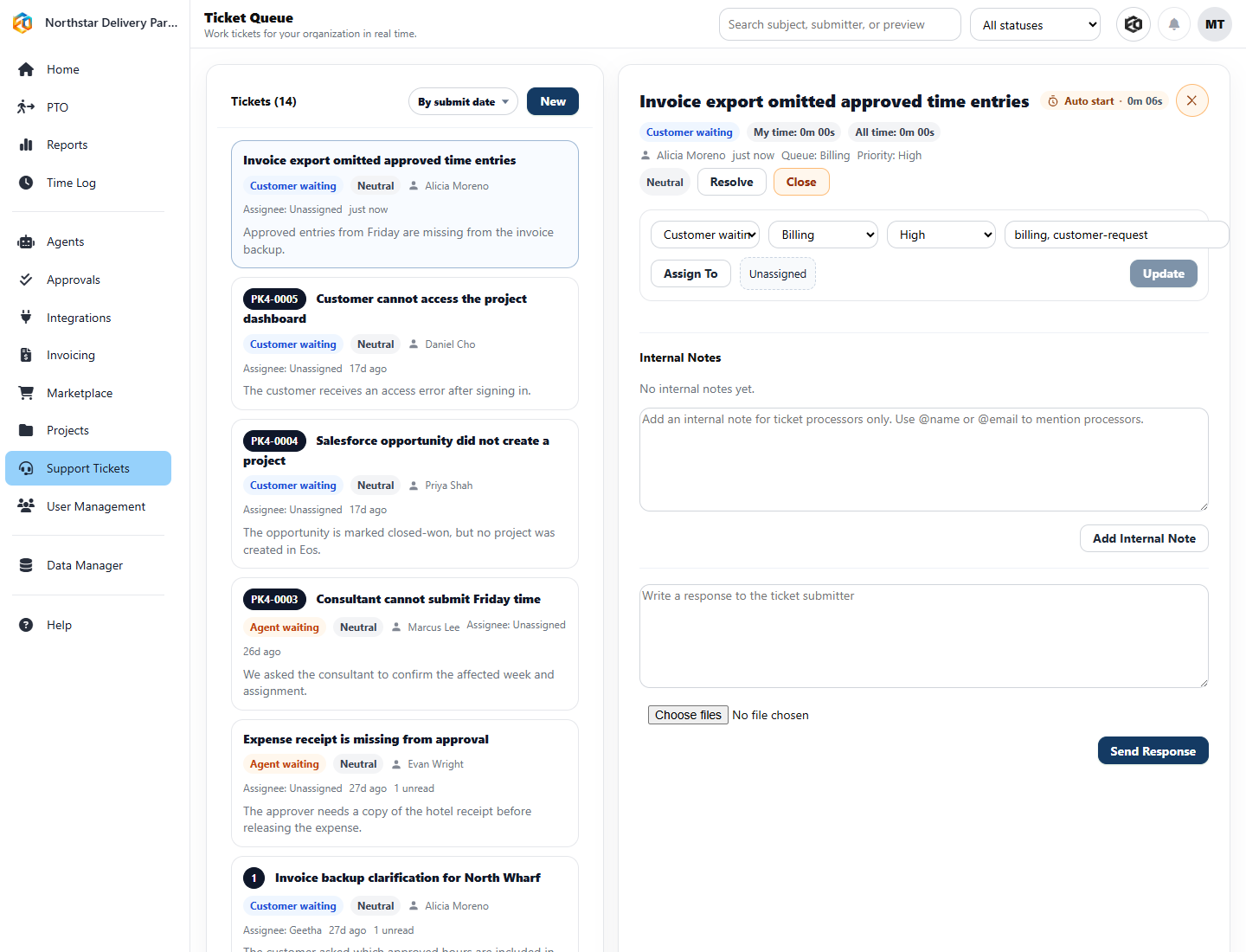
Projects + tickets + billing
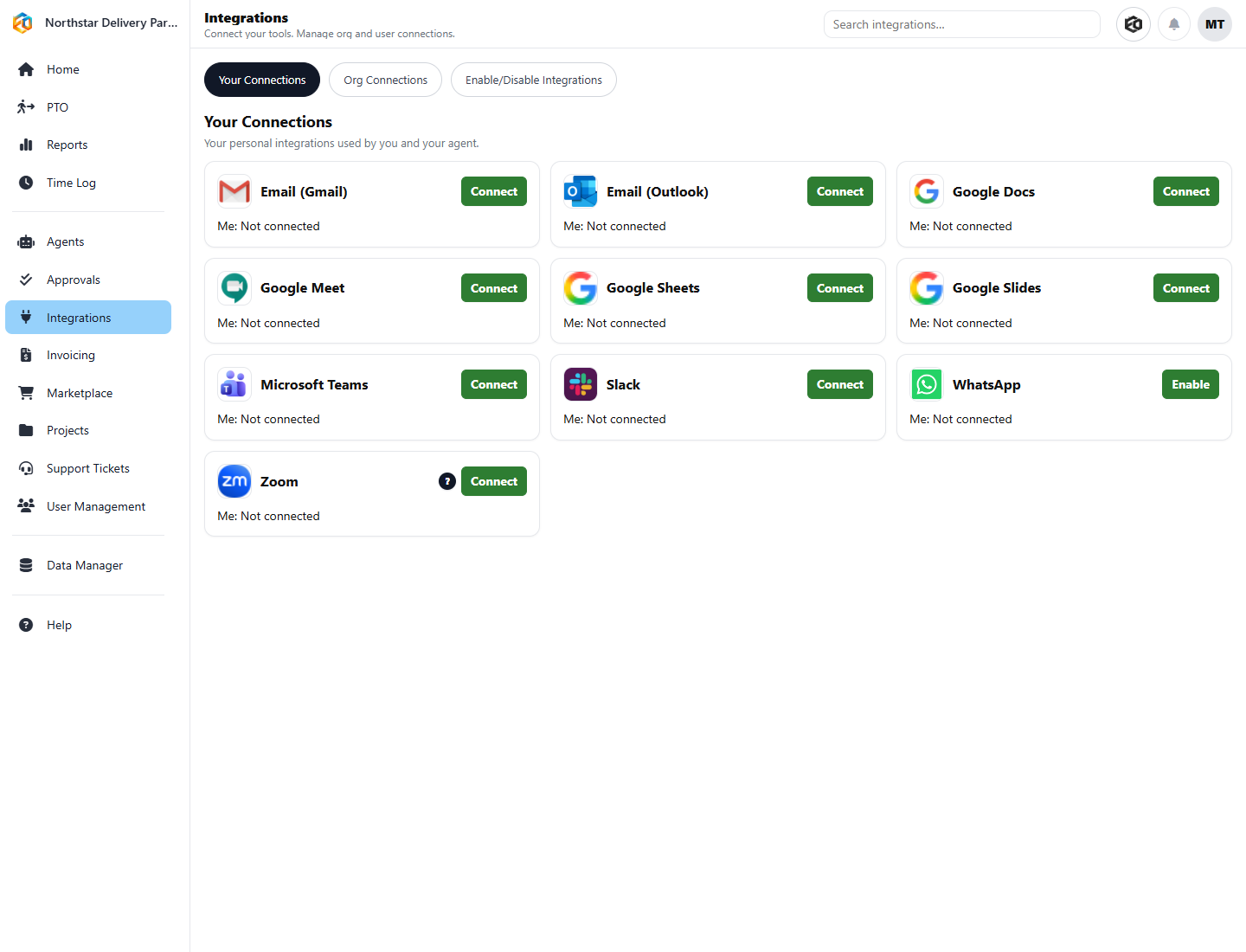
Slack, email, Excel, Teams
Why teams switch to Eos
No builder mazeDescribe the workflow in English
No driftRuns in a deterministic manner
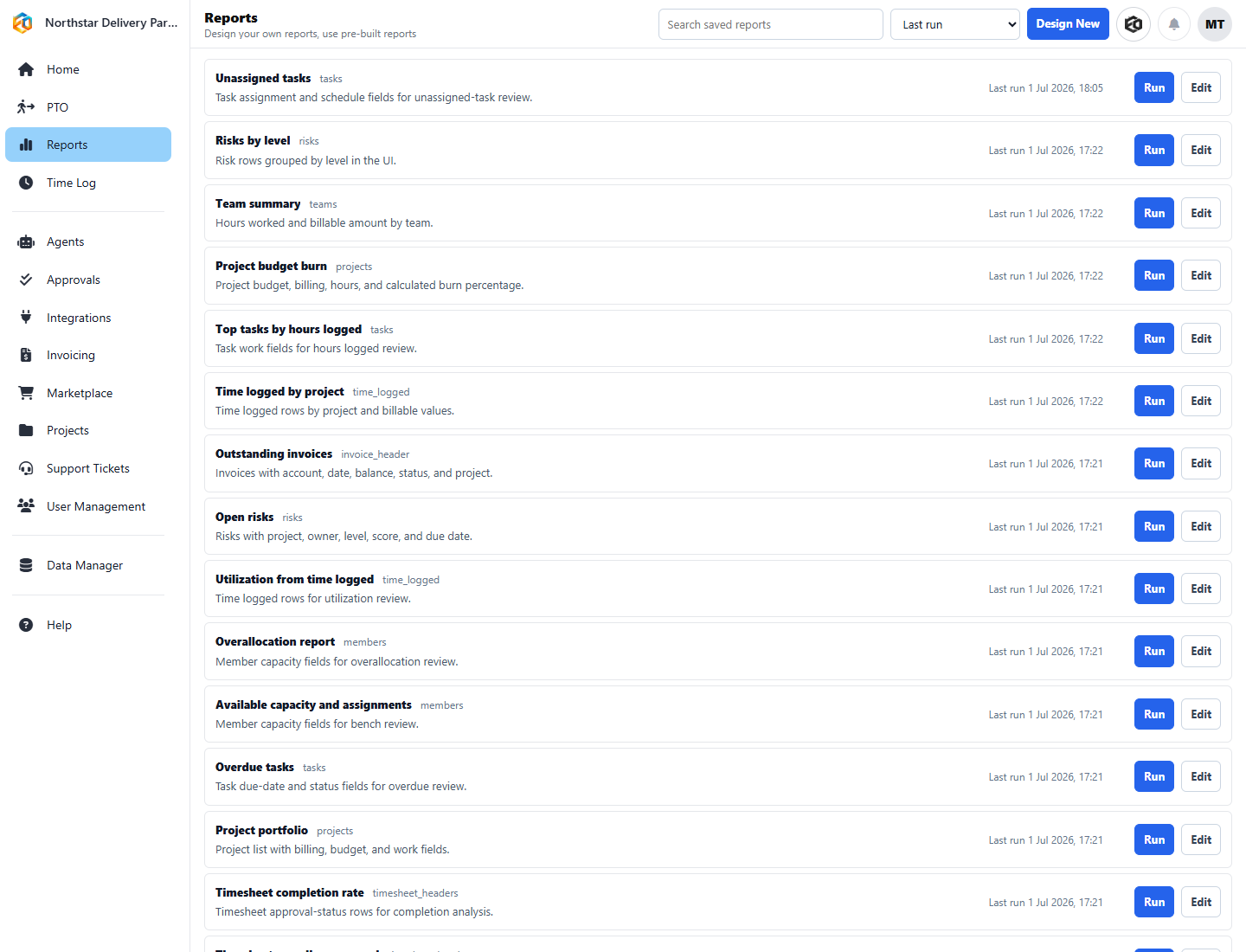
No tool sprawlProjects, tickets, time, billing, reports
No engineering bottleneckOps teams can own automation
Image placeholder: product screenshot

Replace this panel with a screenshot of the Eos workflow/agent design experience showing plain-English instructions on the left and the resulting deterministic execution plan or workflow summary on the right.

Video placeholder: 60–90 sec homepage explainer
Problem: automation tools are either technical or unpredictable
Solution: Eos lets ops teams design workflows in English
Outcome: predictable execution across real business systems
The problem

Most automation tools fail in one of two ways

They either need too much technical knowledge, or they behave too unpredictably to trust in real operations. That leaves services teams stuck between manual work and risky automation.

01

Too technical

Zapier, scripts, APIs, and builder tools still expect someone to think like an engineer. That slows down operations teams that just need work to move.

02

Too unpredictable

AI agents may sound exciting, but drift is real. If behavior changes every run, operations leaders cannot trust the process, cost, or outcome.

03

Too fragmented

Projects, tickets, time, billing, spreadsheets, and team communications live in different places, so even simple follow-through becomes manual coordination.

The Eos approach

Plain-English design. Deterministic execution.

Design workflows in business language

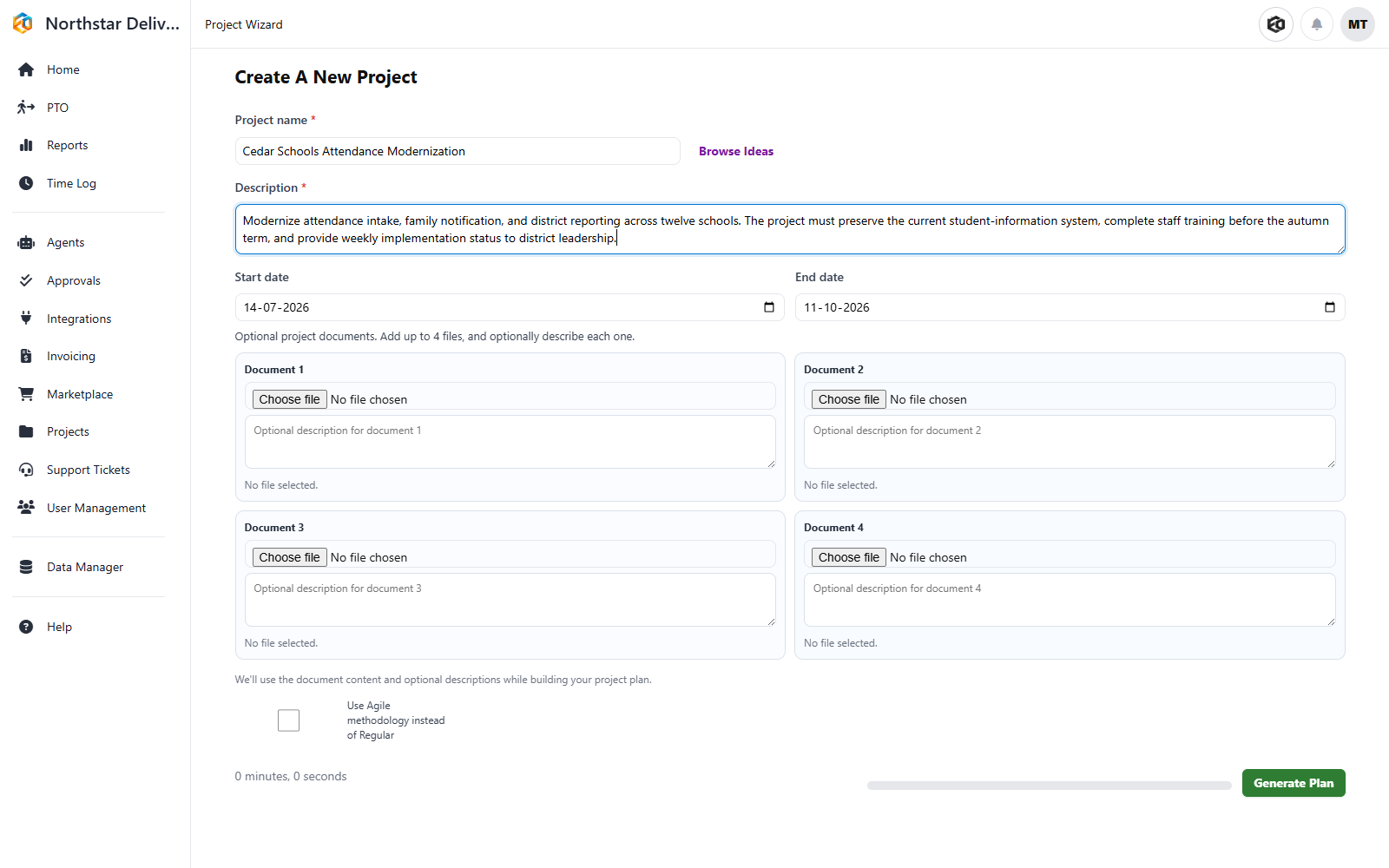
Tell Eos what outcome you want. Project managers and operations leaders do not need to work through code, workbenches, canvases, or rule trees just to set up automation.

Run them predictably

The resulting workflow is stored and executed deterministically, so it follows the same path every time unless you change it. LLMs can be used where they make sense, such as drafting language, but only where you want them.

What you can automate

Built for the messy workflows services firms deal with every day

Weekly project updates sent through Slack, email, Teams, and Excel
Ticket intake, routing, follow-through, and status communication
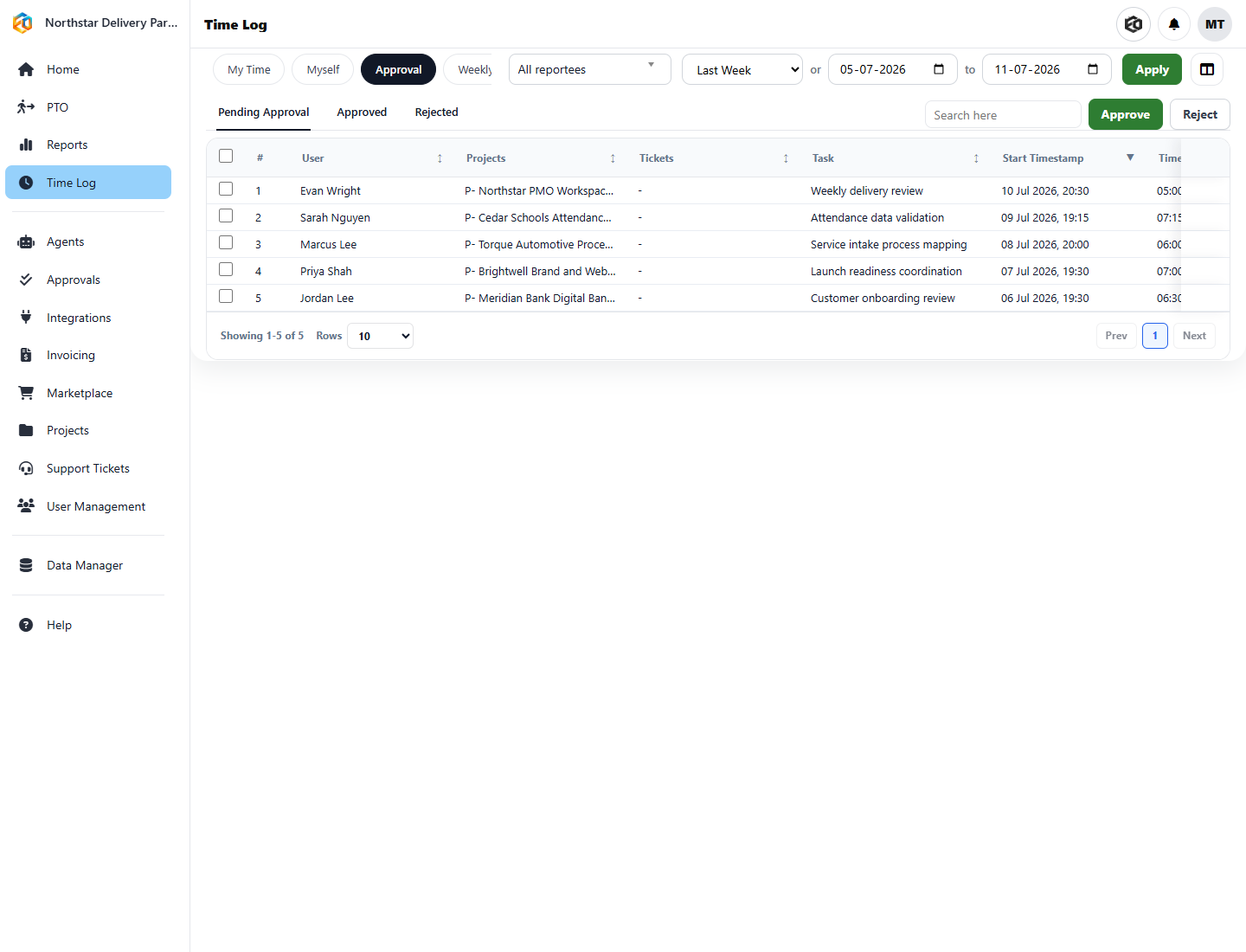
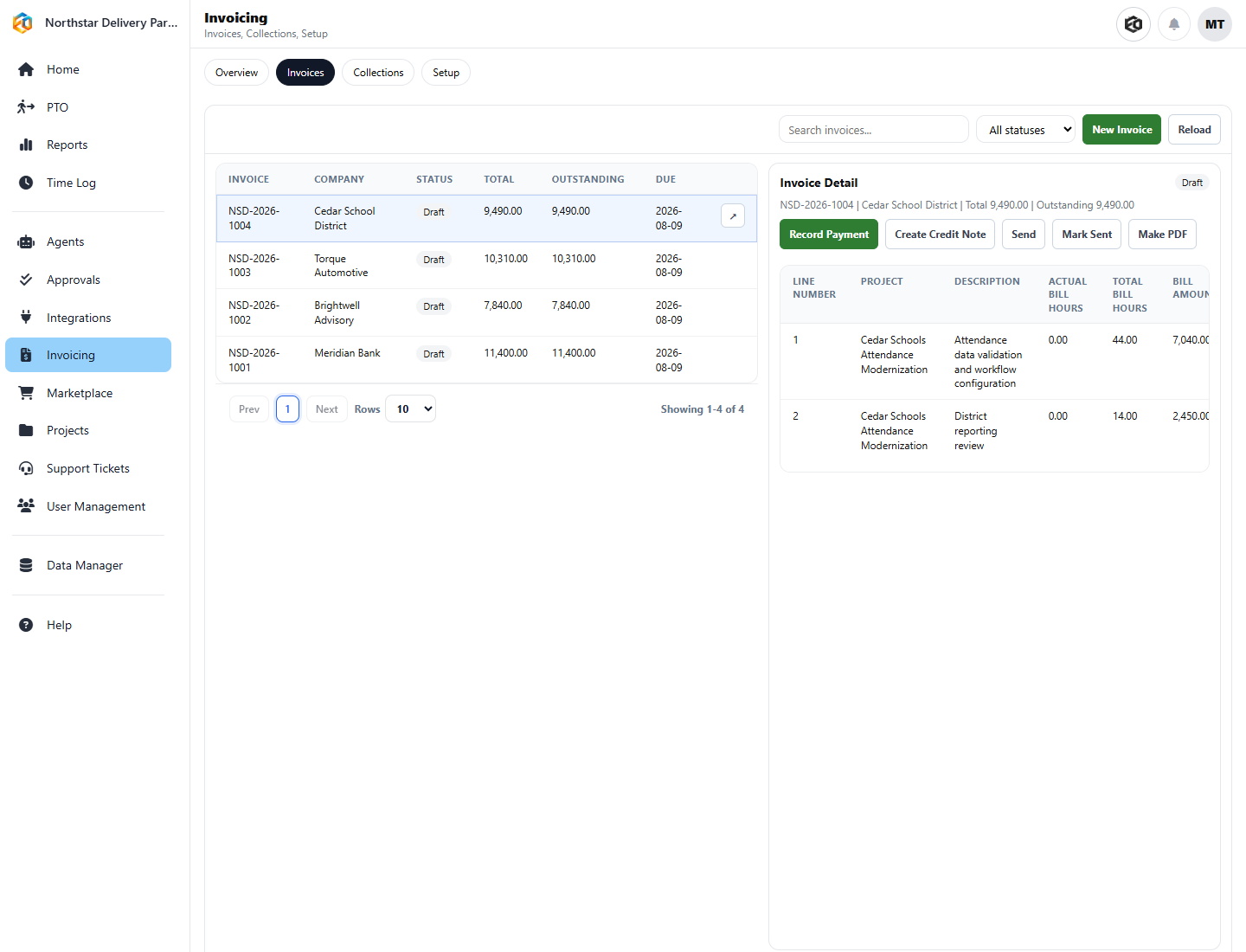
Delivery workflows connected to time, approvals, and billing
Cross-tool processes that need business context, not just triggers
Operational reporting and follow-up actions from one system
Image placeholder: before vs after visual
BeforeManual coordination, spreadsheets, multiple tools
AfterOne workflow, one system, predictable execution
Before1–6 hours a week for updates and follow-through
AfterRuns automatically with human control where needed
Why teams choose Eos

It gives operations leaders control, not just automation

Predictable outcomes

You know what the workflow will do. That makes the effect, operational risk, and cost easier to trust.

Faster setup

Teams can create useful workflows quickly because design starts in English, not in a technical tool.

Real business context

Eos connects projects, tickets, people, time, billing, and reports, so automation works inside the business instead of beside it.

Spotlight use case

Example: automate weekly project updates without manual chasing

Before Eos

  • Managers chase project leads for updates
  • Someone compiles notes manually from multiple systems
  • HR or leadership needs a separate spreadsheet or Excel view
  • Updates take 1–6 hours every week and still arrive late

With Eos

  • Pull project, task, and team data automatically
  • Generate tailored updates by channel and audience
  • Send outputs to Slack, email, Teams, and Excel
  • Run the same workflow reliably every week
See the Services Teams use case
For buyers

Who Eos is for

COOs and operations leaders

Reduce manual follow-through, simplify cross-tool operations, and build automation without adding engineering dependency.

Heads of PMO and services delivery

Connect project execution, updates, staffing context, tickets, and billing in one operating model.

Project-driven services firms

Especially strong for organizations with 100–500 employees that are juggling client delivery, service issues, internal coordination, and revenue operations.

Next step

See how Eos would automate one of your real workflows

Bring one messy operational process — project updates, ticket follow-through, service coordination, billing communication, or something else — and we will show you how Eos can turn it into a predictable workflow.

Run the Operational Audit View Pricing