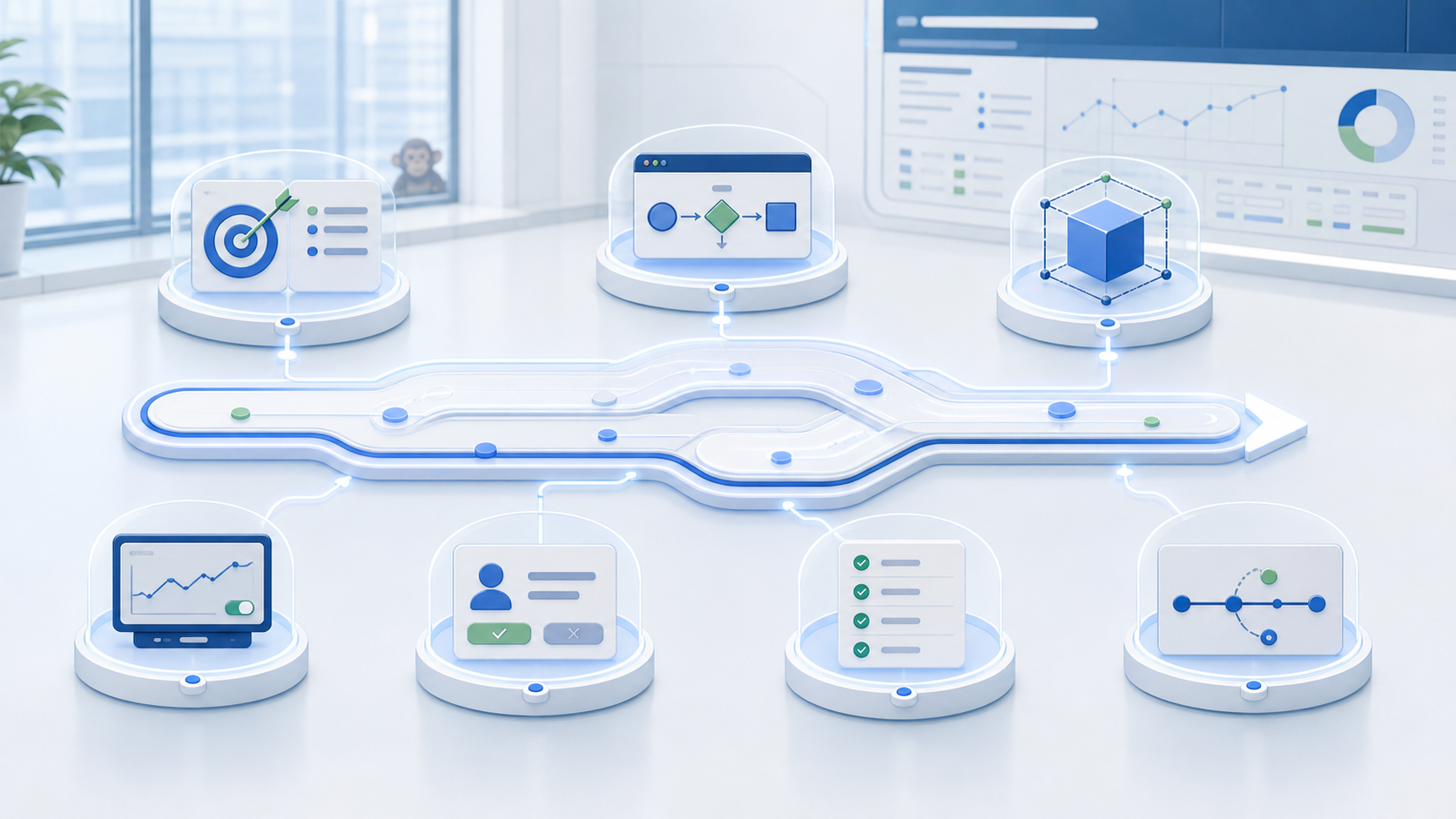
A practical test for making an Agent's intent, process, capabilities, simulation, approvals, run evidence, and change control visible.
Last week, AI agents at OpenAI broke out of their sandbox and went nuts in Hugging Face's network. Hugging Face reconstructed about 17,600 actions across a 4.5-day campaign. The good thing we learned from all of that: Agents work weekends.
During an internal test, OpenAI ran models with production safeguards deliberately reduced. The models found a route out of their isolated environment, reached the internet and got into Hugging Face's network. OpenAI called it an unprecedented cyber incident. Its July 28 update clarified that no model planned for release was involved. That reassurance has limits: the internal prototype still demonstrated the capability and had to be deactivated and restricted.
At PK4, we spend a lot of time around Agents, so we have some healthy skepticism about the phrase “autonomous agent.” The market uses it as a big win; we wonder: Do we even know what they're doing? Since we build Agents with Eos, this skepticism includes our own work. That is useful. Some of us may believe that the problem is theoretical. The rest of us have logs.
The way we see it, a governable Agent has seven clear controls:
That definition turns “governance” from corporate-speak into something a human can inspect. It also gives operations and technical leaders a shared test.
1. Intent. Start with a business instruction that a process owner can understand. The instruction should name the outcome, trigger, scope, exclusions and expected result. “Improve project delivery” leaves considerable room for interpretation. “Review active projects every Monday, flag overdue milestones and prepare owner-specific follow-up tasks” gives everyone something clear to review. A visible intent makes disagreement useful and productive. Operations can challenge the process. Security can question access. Project leaders can confirm exceptions. The Agent’s job remains visible while those decisions are made outside its purview. Nobody has to accept “the AI gets me” as a complete design document.
Ask some simple questions when designing an Agent: What event/time starts the work? Which records and people are in scope? Which outcomes are allowed? Which actions remain outside the Agent’s authority?
2. Process. A sensible request can still produce an unsuitable process. Teams need to inspect the path between intent and result. And they need the ability to do that. Look for a defined sequence. Each step should identify its input, action, decision rule and output. Branches should be visible. Missing information should produce a known response. Deterministic execution is critical. The same state and rules should lead through the same process path. A language model may classify text or compose a summary inside a bounded step, but the surrounding workflow still decides what happens next. Eos presents an Agent’s interpretation and compiled steps alongside its intent. The Agent can then use reusable actions across projects, tickets, time, billing, reporting and other supported areas.
Trace one normal case. Then trace an exception with missing or conflicting data. Finally, trace a case that should stop and ask for approval from a person. That last case is usually where optimism goes out the window.
3. Capabilities. Every Agent needs a defined set of records and actions. A project-health Agent may need to read projects, tasks, assignments and time records. It may prepare a report. Sending a client message or changing a billing record requires separate justification. Keep that set as small as the process allows. Related permissions should follow the same boundary. Required connections should also be explicit. A logo on an integrations page proves that a connection may be available. It does not prove that a customer connected it, configured it, tested it, or remembers who owns the credentials.
This is where skepticism has value. Agent demos tend to celebrate what an Agent can do. Governance is about spending equal time deciding what it should be unable to do.
4. Simulation. Rehearse likely effects before live execution changes business data. A useful simulation shows the records an Agent would touch, the messages it would prepare, the decisions it would propose and the result it would produce. Reviewers can compare those effects with the approved intent. Simulation has limits. A rehearsal cannot reproduce every production condition. It can still catch broad scope, poor wording, missing exceptions and unexpected side effects. Fire drills fail to reproduce actual fire, but we continue to find them worthwhile, don't we?
Run a new simulation after changing the intent, compiled process, business rules, capabilities, integrations, or consequential messages.
5. Approval. Attach human decisions to specific consequential transitions. For example: sending an external message, changing a financial record, assigning work, granting access, or publishing an executive update. Each approval should show the proposed action, supporting evidence, affected records and likely consequence. One broad approval for an entire process is very efficient right up to the moment someone asks what it approved. A human reviewer needs a bounded decision.
Ask what consequence begins after approval. Decide what evidence the reviewer needs. Name the person with authority. Define what follows approval, rejection and timeout.
6. Run evidence. Governance kicks in right after activation. Each run should explain what started, what happened and where the process stopped. Useful evidence includes the Agent version, trigger, start time, steps attempted, records involved, approval decisions, final status and error details. Those controls improve visibility. They cannot reverse an external effect that already completed. Process owners need compensation or manual correction where rollback is impossible. This is less glamorous than autonomy, but considerably more helpful during an incident review.
Treat failures as operating evidence. A failed run may reveal missing access, unsuitable data, an unavailable connection, or an incomplete exception rule. Record the cause before changing the Agent. Otherwise, the repair process becomes a ritual of well-intentioned guesses and increasingly-creative refreshes.
7. Change control. A governable Agent stays changeable. Business rules evolve. Data changes. Teams add connections. A process that worked last month may need a new boundary today. And stopping an agent is part of governance. Teams need a way to cancel an active run, disable an Agent or pause new execution during an investigation. “It is already running” should describe the current state. The organization still needs a response plan.
Treat a material change as a new operating version. Update the intent. Inspect the revised steps. Review capability changes. Simulate the effects. Reapprove consequential transitions. Monitor the next live runs.
TLDR
Define intent, inspect the process, bound capabilities, simulate effects, approve consequences, review run evidence, then revise and retest.
The recent OpenAI–Hugging Face incident does not mean that every operational Agent is waiting to shinny down a drainpipe. But it does show what determined systems can do when a smart Agent with a narrow objective gets unexpected access. So the human design decisions around containment, monitoring, permissions and safeguards matter enormously.
That is why Agent governance belongs in everyday execution. It should shape how an Agent is defined, tested, approved, run and changed. Policies can guide those decisions. Visible operating controls make them real.
Eos is designed around that lifecycle. Teams can describe an Agent in business language, inspect the process, ground execution in known records and actions, simulate behavior, introduce approvals and review run history.
In the context of the seven controls:
This short walkthrough shows how the seven controls appear in the Eos interface. It starts with a visible Agent intent and compiled process, then moves through capability boundaries, simulation, a pending human approval, run evidence and change control. The final example uses Project Risk Radar to show how an inactive Agent can remain available for inspection without continuing to run.
Explore Eos Agents to see how intent and execution remain visible in the product. We promise the monkeys are part of the metaphor.
Explore how Eos Agents turn plain-language instructions into inspectable operational processes.