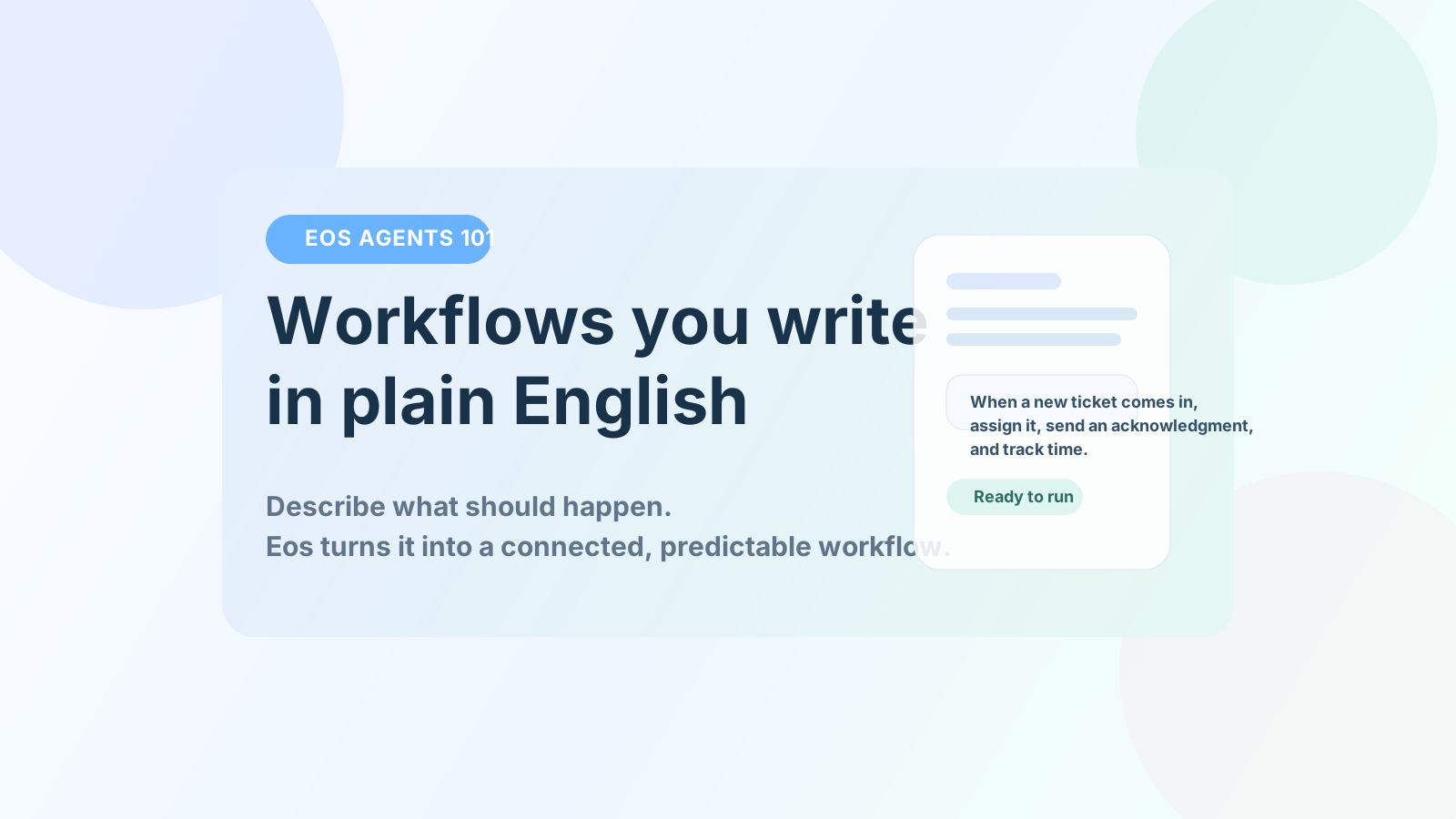
In Eos, an agent is not a mysterious AI that “figures things out.” It’s a workflow that you describe in plain English. So, clearly, it is NOT what is called an “agent” by most AI companies. In their case, an agent is something that’s given an”objective” - for example, “Follow up on tickets”. The agent then will figure out all that’s needed to follow up tickets - send emails to other users, get their responses, look in the ticket management system, correlate their responses to what it sees in the ticket system and then maybe send out emails to each user, telling them what it found based on its own research.
In our case, think of an agent as a process. For example: Every Sunday night, you’d like the system to review all open tickets. You’d like it to maybe score tickets based on the number of interactions, the quality of those interactions, the depth of the issue at hand and so on. And you’d like it to send ticket-owners emails listing the current status, so when they come in on Monday morning, they know what they need to focus on first. You could do something similar for tasks in a project. Or open invoices. You get the idea.
Now, instead of building flows with boxes and arrows or with code, you just write what should happen:
“When a new ticket comes in, assign it, send an acknowledgment, and track time.”
That’s your Eos agent. Eos reads that description, understands the steps, and turns it into a working process.
An agent in Eos is:
It’s like writing instructions for a team member—but the system executes them. No flowcharts. No scripting. No rigid setup.
Now, how does an agent actually DO what it needs to? It uses “skills”. For example, you could set up an agent saying “Every day, send reminders to all customers whose invoices are exactly 15 days overdue, reminding them in a nice way about it. Leave out customers whose monthly billing has been over $ 25,000 for the last 2 months. Leave out companies outside the United States. For invoices that are 30 days old, send a slightly demanding email, copying our Accounts department (accounts@ourco.com) on it. Mark invoices that are 60 days overdue as “Overdue”.”
Now, Eos has hundreds of skills - the ability to read invoices, the ability to read invoices from QuickBooks, the ability to write a record into Salesforce and so on. The agent above will use a number of these skills to do its job. In this case, it will figure out that it needs access to all your invoices (say, get-all-open-invoices), then get customer into (get-customer-details), get billing over the last 3 months (get-last-3-months-billing-by-customer), then tie all these things together to check for being over $ 25,000, being in the US and so on. It will then use a send-emails-to-customers skill to send out the emails. And it’ll schedule itself to run every day.
So skills are the building blocks. Each skill does one specific thing, like:
Think of skills as small, reliable actions. Your agent uses these skills to carry out the workflow you described.
Here's another real example. You write:
“When a customer email comes in, create a ticket, assign it to the right team, and send a response.”
Behind the scenes, Eos connects that to skills like:
Your English description becomes a structured workflow using those skills. You didn’t have to map each step manually—the system handled it. And it will figure out when to do what it needs to do, too.
Intent is just your instruction. In Eos, intent is usually written as:
For example:
You’re not coding—you’re describing what needs to be done and when. Notice something above: while the first and the third are “scheduled”, the second is “triggered” - the agent kicks in every time an invoice is marked “Paid” in Eos and sends that info to QuickBooks.
Agents in Eos can run in different ways:
So once you define the workflow, it keeps working without you.
Conversations are the interactive side of Eos. Instead of setting up a workflow, you just ask for something:
The system responds immediately, using the same skills. So:
They use the same underlying capabilities—just in different ways.
Most workflow tools make you design flows visually, then connect nodes and generally maintain complex logic. Eos removes that layer - you simply describe:
And the system handles the structure.
This makes workflows:
In Eos:
You don’t build workflows the traditional way. You describe them—and Eos builds and runs them for you. Once you get used to this, it feels less like using software… and more like telling your system what to do and watching it happen. Or, NOT having to watch what happens. 🙂
If this makes sense for how your team works, explore how Eos turns those descriptions into real action across projects, tickets, and operations.